
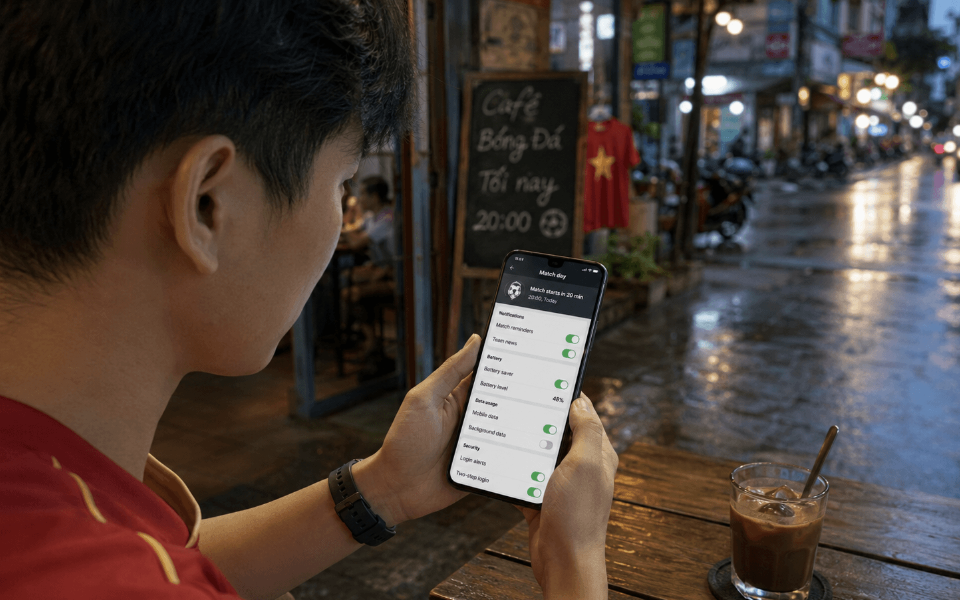

A football match is about to start, the phone is below half charge, and promotional alerts keep interrupting team updates. That combination can turn a simple mobile session into a distracted one.
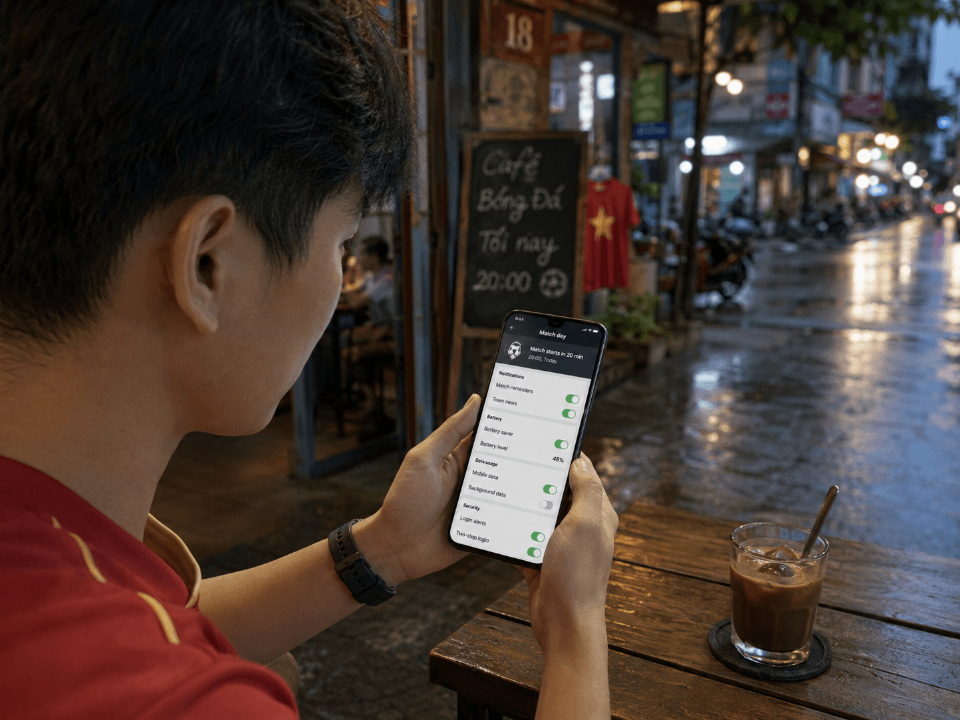
The application is only part of the setup. Connection quality, Android settings, account security and personal limits all affect what happens during a live event. A few checks before kick-off can prevent rushed deposits, missed security alerts and unnecessary data use.
Choose Which Notifications Matter
Notifications are useful when they confirm a login, payment update or account change. They become less helpful when every promotion and odds movement appears on the same screen.
Before a major event, users accessing 1xbet vietnam should review which alerts are active:
– match-start reminders;
– promotional messages;
– deposit or withdrawal updates;
– login alerts;
– identity-verification requests;
– general account notices.
Mobile is how most people in Vietnam get online — Statista puts the country’s internet population at around
80 million, mostly via smartphone. That scale is part of why default notification settings matter so much.
Android lets you adjust alerts per app and, where supported, by category — security and payment alerts are usually worth keeping, promotions less so. Turning off the rest also cuts the urge to reopen the app every time the phone buzzes.
Check Mobile Data Before the Match
A score page uses data differently from a live stream. Video, animated markets, frequent odds refreshes and image-heavy pages can consume far more than basic account screens. Automatic updates and background activity add to that total.
Mobile speeds in Vietnam picked up noticeably over the past year — DataReportal’s numbers through August 2025 show a sharp jump in the median download rate. But a national average is just that — an average. Signal inside a concrete building, on a moving bus, or during a stadium-sized crowd surge can look nothing like the country-wide number.
Android’s data settings show foreground and background traffic. Restricting background data may help on a limited plan, although it can delay some notifications.
When the signal is weak, text updates and selected markets may be more practical than live video.
Battery Settings Can Change App Behaviour
Battery-saving tools may delay background work, reduce refresh activity or stop an application that has not been used for a while. The result varies by phone, Android version and app design.
Whether the same screen returns after an interruption is not guaranteed. Available memory and the way developers save interface state both matter. A browser tab can also reload when the device frees memory.
Removing battery restrictions may improve background activity, but it can increase power use. For a long match, reducing screen brightness and closing unrelated apps may be enough.
Secure the Account Before Kick-Off
Match-day urgency can lead to poor security decisions, such as reusing a password or responding too quickly to someone claiming to be support.
Before opening the 1xbet app, check the following:
– use a unique password;
– activate two-factor authentication if available;
– review recent login activity;
– avoid public or shared devices;
– never share a full SMS or email code;
– log out before lending the phone;
– keep Android updated.
A locked phone and a protected betting account are not the same thing. Screen security protects the device, while a unique password and two-factor authentication protect the account from remote access.
Expect Delays in Live Markets
Live odds do not always change at the same moment as the action on television or a stream. Network latency, broadcast delay, market suspension and the platform’s acceptance process can all affect timing.
A price displayed when the user taps may change before confirmation. Markets can also close briefly after a goal, penalty or red card.
Check the final accepted odds, stake and selection. Repeatedly tapping because nothing appears to happen may create duplicate instructions when the connection recovers.
Review the Balance Before the Event
Payment decisions are easier to control before the match becomes tense. Check the available balance, recent transactions and any pending payment in advance.
Useful points include:
– whether an earlier deposit has cleared;
– whether account verification is required;
– deposit and withdrawal limits;
– payment-provider charges;
– whether account and payment names match;
– whether bonus conditions affect the balance.
When the balance is lower than expected, checking transaction history is safer than submitting the same deposit again.
A Quick Match-Day Check
Most of what goes wrong on match day traces back to one of these seven settings. A few minutes spent here before kick-off is usually enough to avoid it.
| Setting | What to review | Possible problem |
| Notifications | Security, payment and match alerts | Too many promotions |
| Mobile data | Live and background use | Unexpected consumption |
| Battery | Background restrictions | Delayed alerts |
| Login | Password and 2FA | Reused credentials |
| Live markets | Accepted odds and status | Duplicate submission |
| Payments | Balance and transaction history | Repeated deposits |
| Session | Time and spending limit | Staying longer than planned |
These checks cannot guarantee uninterrupted access, but they reduce avoidable problems caused by device settings or rushed decisions.
Decide the Limit Before the Match
Set the budget before opening live markets, not after the first loss. Decide how long the session will last and whether live betting will be used.
Pay attention to how the match changes your decisions. A stake that climbs in the final minutes, or a deposit meant to undo an earlier loss — these are worth noticing in the moment, not after the final whistle.
So is still checking the app long after the match has ended.
Notifications can be disabled once the event finishes. When betting begins to affect money, sleep or relationships, close the application and seek support from a service such as Gambling Therapy.
Before You Tap Kick-Off
A better match-day setup starts with notification, data and battery settings. Account security, live-market delays, payment history and spending limits also deserve attention before the event.
The app is just one piece of the session. What actually shapes it — the settings checked beforehand, the limit set in advance — is mostly in the user’s hands, not the platform’s.

